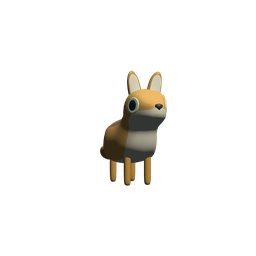
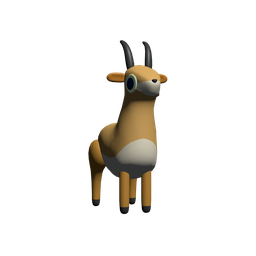
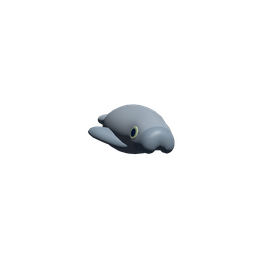
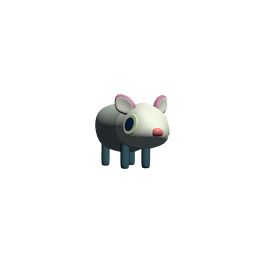
A cheerful 2D platformer where animal pals leap across colorful worlds in friendly multiplayer matches and solo adventures. Easy to learn, tricky to master.
Your friend on a phone, your sibling on a tablet, you on the couch with a controller — Leap of Legends runs the same match across Windows, macOS, iOS, and Android. No accounts to juggle. No sign-up walls.
Steam release · Keyboard, mouse, and controller
Touch controls tuned for landscape play
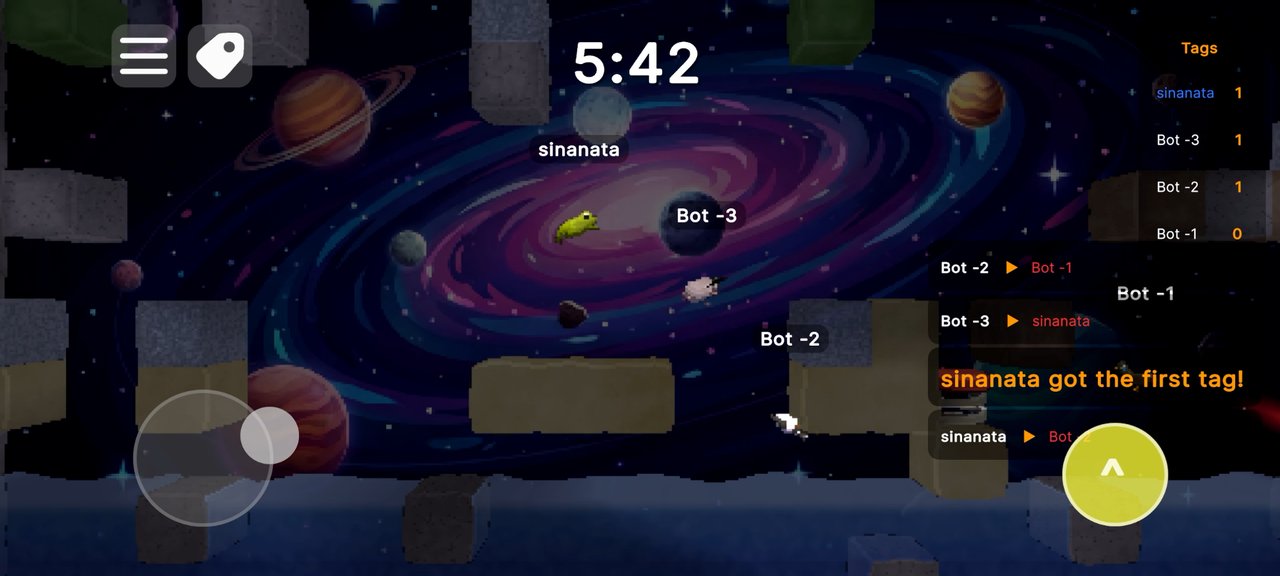
Optimized HUD for one-handed mobile play
Leap of Legends is designed from day one for kids and families. There are no battles, no blood, no stranger chat — just colorful animal characters bouncing through cheerful worlds.
Compliant with Apple Kids Category, Google Play Designed for Families, and Steam Family-Friendly guidelines. We collect a date of birth one time on first launch and apply child-account protections automatically.
Microphone access is automatically disabled on child accounts. No way to be heard or hear strangers.
A simple date-of-birth screen on first launch. We don't ask for names, emails, or anything else from kids.
No weapons, no blood, no realistic violence — even when older players play, kid accounts get the cheerful version.
Players can't type messages to each other. The only communication is in-game movement — leap, bounce, race.
Whether you're across the world or sharing a single screen, Leap of Legends finds the fastest way to play together.
Public lobbies, friend invites, or instant random matches. Anti-griefing, smart skill matching, and rejoin if your connection drops.
2 to 4 players on one screen. Mix & match keyboard, mouse, controllers, and on-screen touch — perfect for siblings.
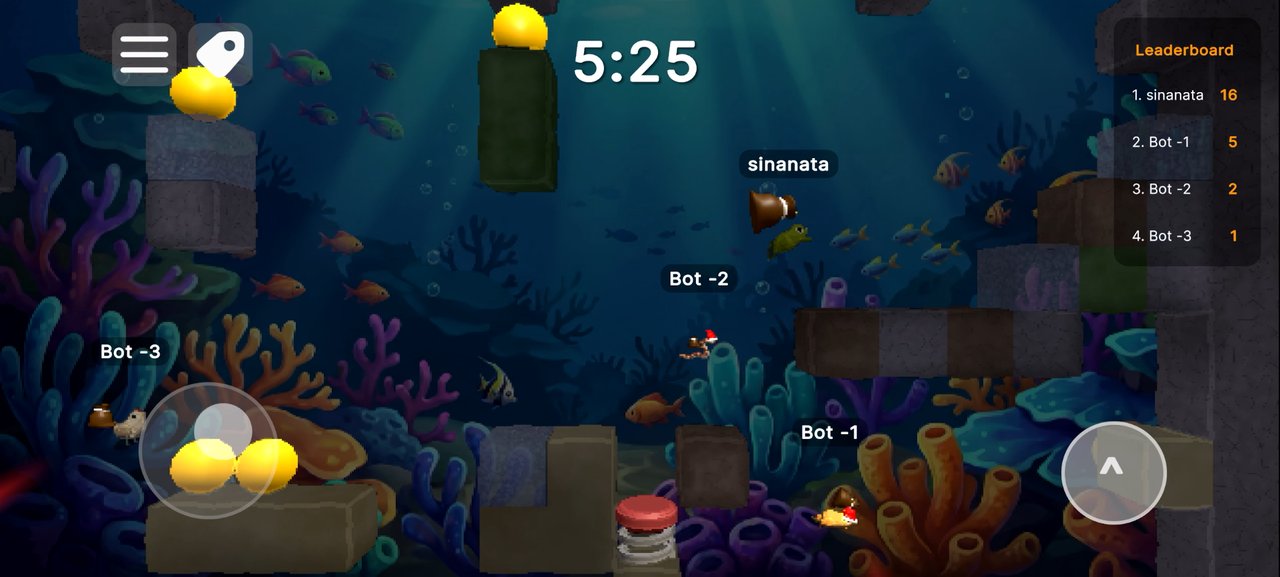
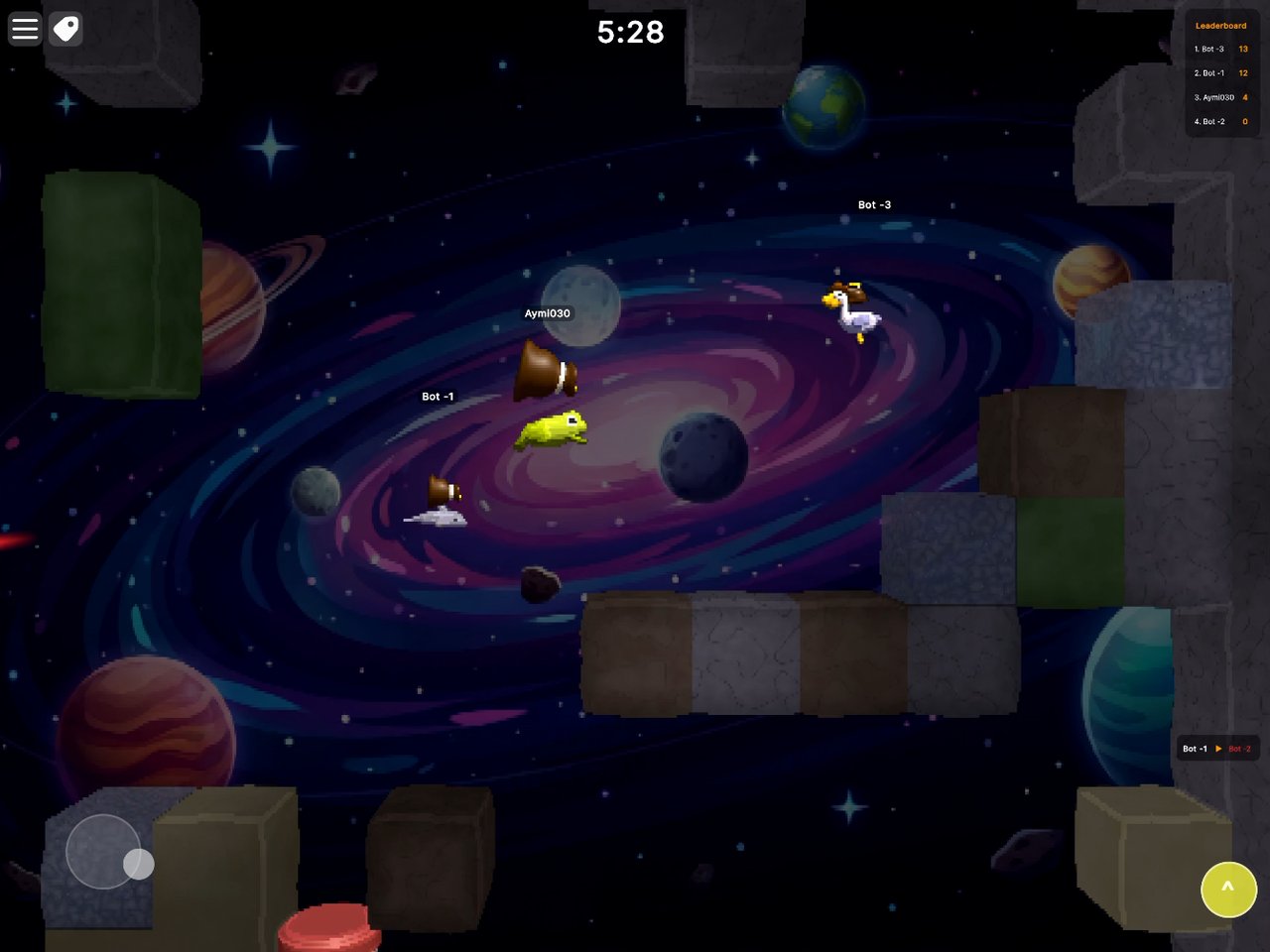
Smart AI companions and bots make every solo match feel alive. Practice modes, endless runs, and unlockables every time you play.
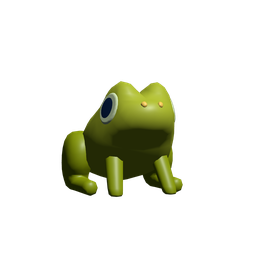
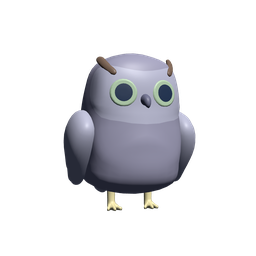
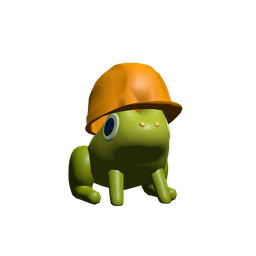
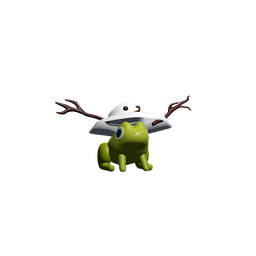
Pick your favorite critter — frog, fox, duck, crocodile, otter, and many more on the way. Stack hats, swap skins, and earn cosmetic chests just by playing. No pay-to-win, ever.
A new game mode every match. Built-in classics that swap up the rules, plus community mods on Steam Workshop.
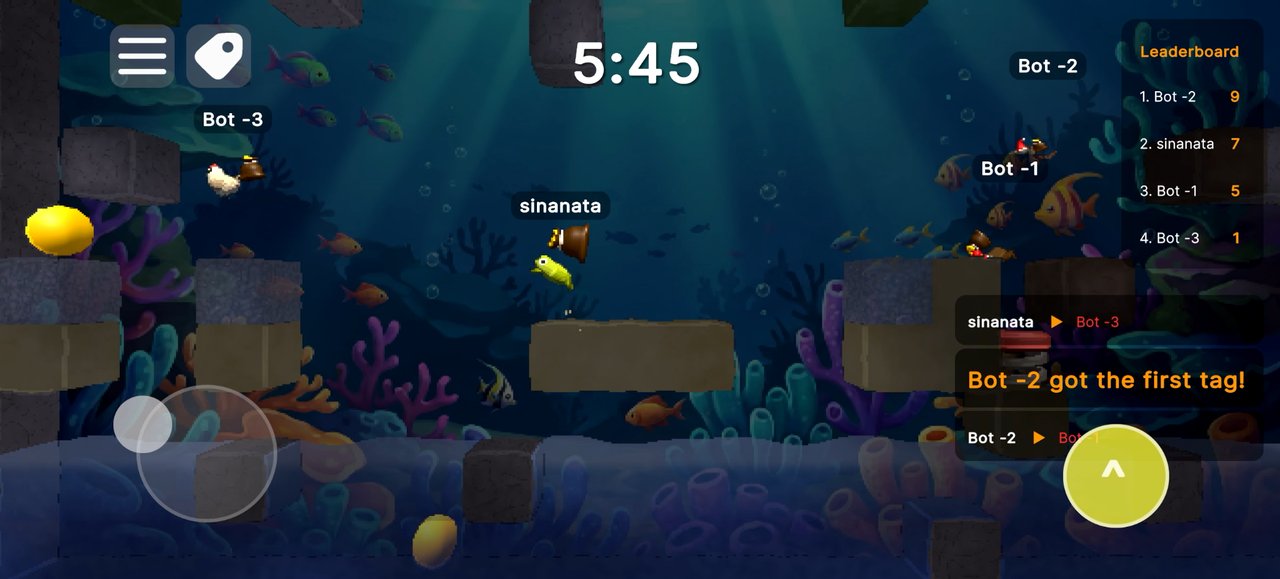
Hop after your friends and bonk them on the head. First to bonk the rest the most wins the round.
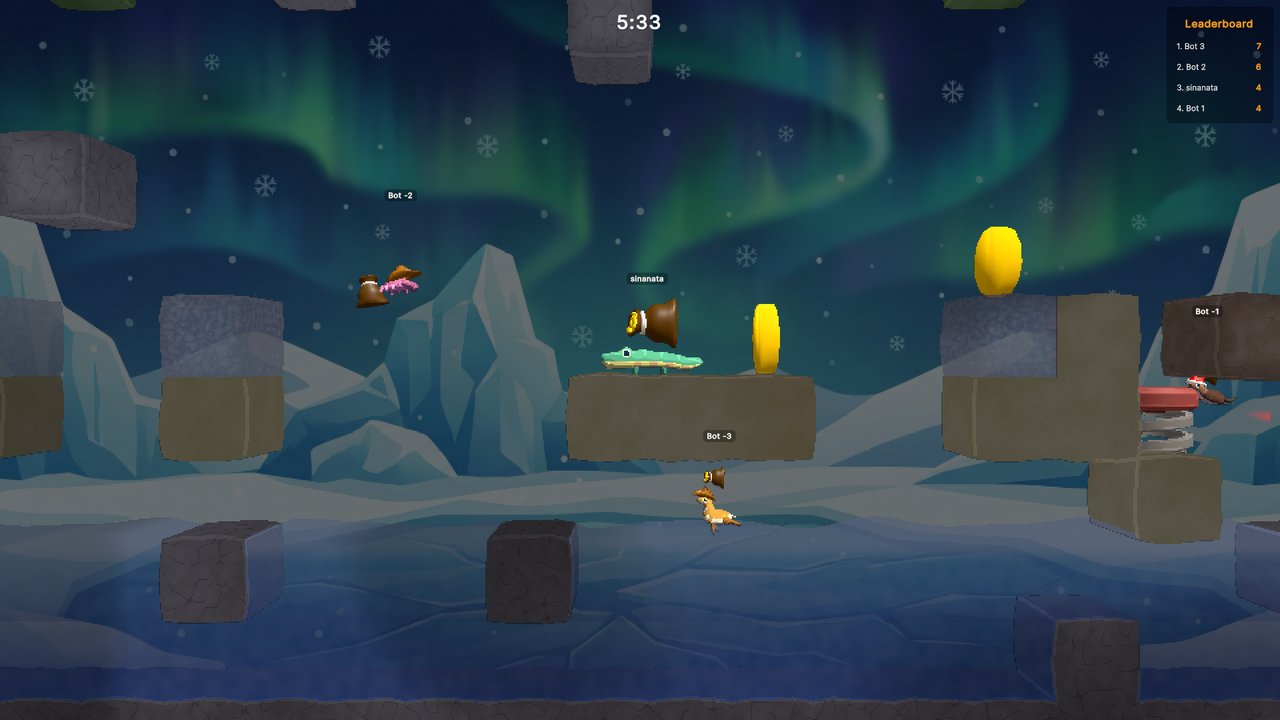
Coins scatter across the map. Sprint, leap, and snatch as many as you can before the timer drops.
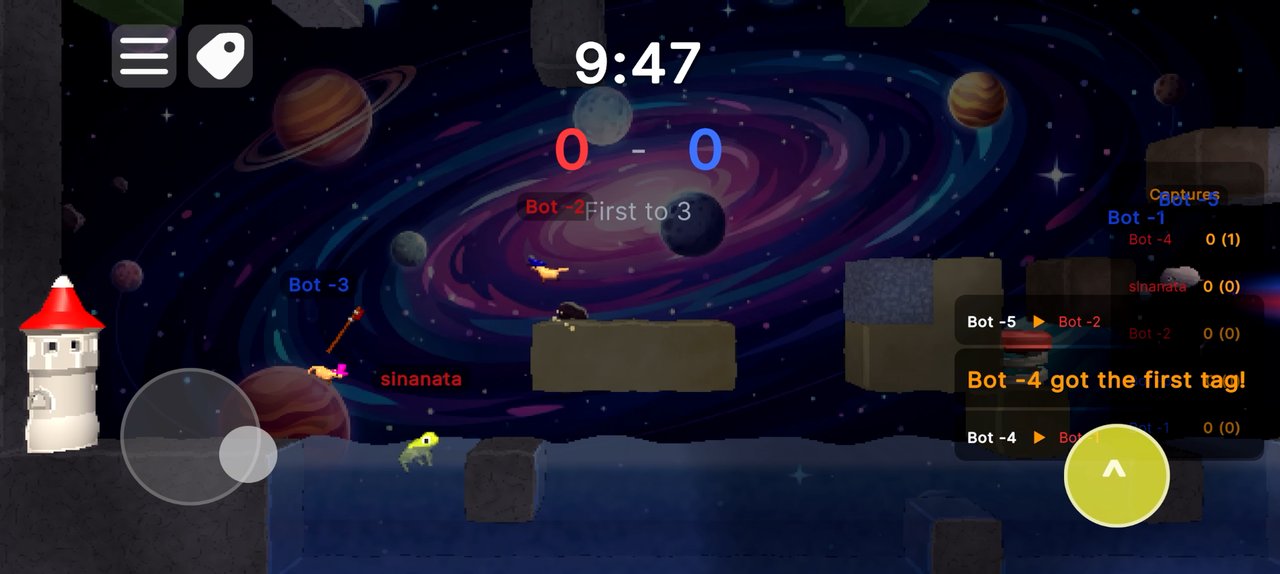
Red vs blue. Steal the enemy flag, bring it home, and pull off team plays. First to three captures wins.
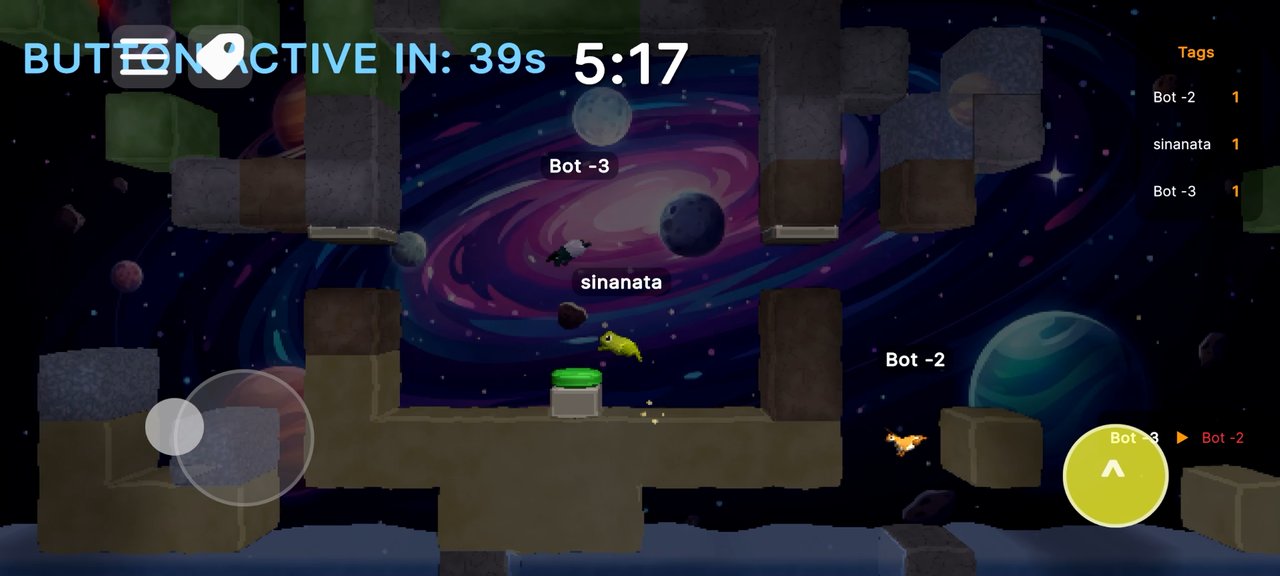
Press the big green button to call down the strike. A friendly tribute to Half-Life's legendary Crossfire mod.
Subscribe to mods built by the community — every Workshop entry is curated for family safety. New official mods land monthly, free on every platform.
I spent twenty years in executive jobs before quitting to make games full time. That kind of pivot takes a safety net — and not everyone gets one.
So as I figure out solo indie dev (and full-time dad), I'm open-sourcing the tools I'd have wanted to find on day one. Take what's useful. Pass it on.
A complete design system for Unity's UI Toolkit (UIDocument/UXML). Tokens, components, prebuilt screens, and mobile-aware overrides — battle-tested in Leap of Legends.
Runtime mesh fracturing for Unity. Voronoi splits that preserve skinning so animated meshes shatter mid-pose — the destructible effects from Leap, packaged for reuse.
One command builds your Unity game for Windows, macOS, iOS, and Android in parallel. Local-first, no CI required — saves an indie dev hours per release.
Yes. The full game is free on every platform. We sell optional cosmetic chests for players who want to support development — they only contain hats and skins, never gameplay advantages.
Absolutely — that's exactly who we built it for. The game ships with built-in child-account protections: no voice chat, no text chat, no friendly violence, and no third-party data collection. You enter a date of birth on first launch and the right protections apply automatically.
Yes. A Steam player on Windows can play the same lobby with an iPad player and an Android player at the same time. Matchmaking happens through our cross-platform service, not Steam-only.
No sign-up wall. On Steam you sign in with Steam; on iOS with Apple ID; on Android with Google Play Games — all silent, no extra forms. Cosmetics sync across your devices automatically.
Around 250 MB on mobile, ~500 MB on desktop. The game runs on phones from 2019 onward, every iPad, and any laptop from the last 5 years.
Available now on Steam for Windows and macOS. Coming soon to iOS and Android.
Free to play · Designed for Families · Cross-platform multiplayer